Broad, niche and specific
A few broad tags with a big audience, several for your topic or industry, and a few for this exact post. Hover a tag to see which kind it is.
Paste your post, caption or video title and pick where it’s going: LinkedIn, Instagram, X, TikTok or YouTube. Get a mix of broad, niche and post-specific hashtags, tap to leave any out, then copy them alone or with your post.
A few broad tags with a big audience, several for your topic or industry, and a few for this exact post. Hover a tag to see which kind it is.
Every suggestion starts picked. Tap one to leave it out, or ask for more ideas that don’t repeat what you already have.
Add tags you always use, like your company or your name, and they’re in every copy. Tags already in your post aren’t suggested again.
Copy just the hashtags, or the whole post with them added after a blank line. Tags the post already has aren’t added twice.
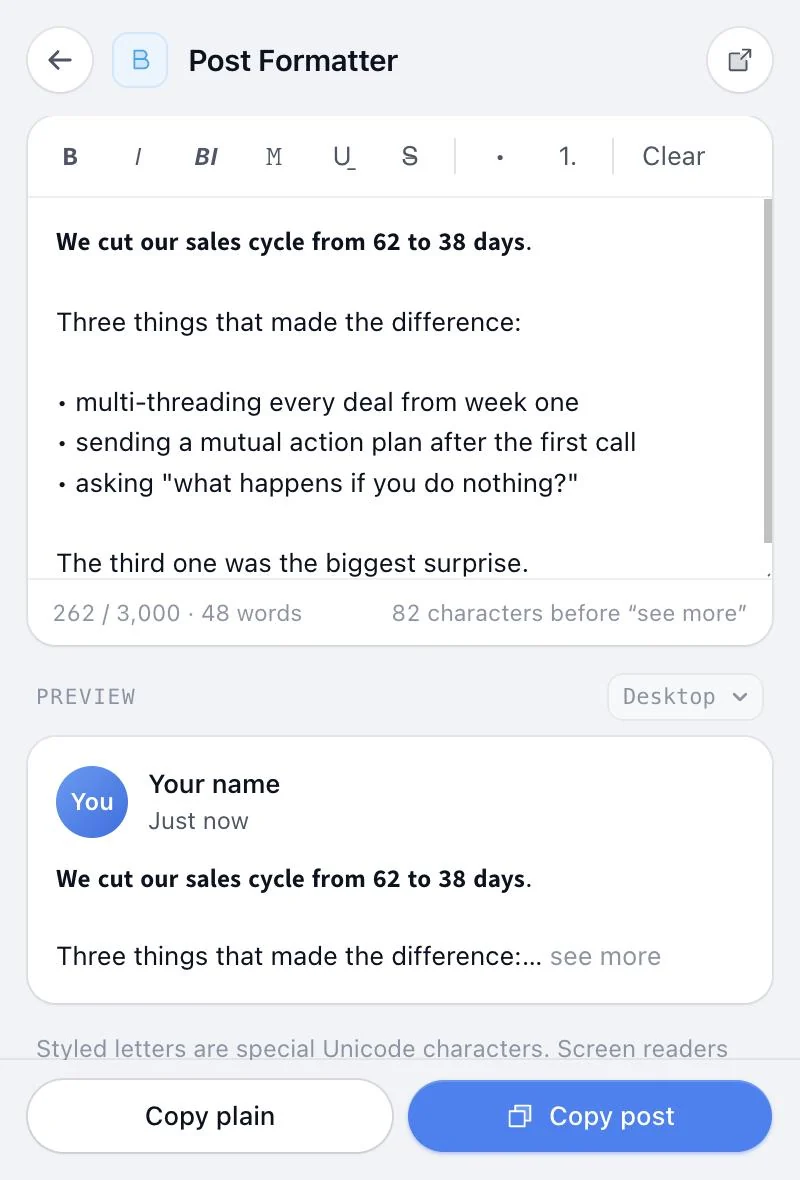
A LinkedIn post, an Instagram or TikTok caption, or a YouTube title. Drafted it in Post Formatter? Bring it over in one click.
LinkedIn, Instagram, X, TikTok or YouTube, and 3, 5, 10, 15 or 20 hashtags. Add any tags you always want included.
Tap to drop the ones you don’t want, get more ideas if you need them, then copy the hashtags or the post with them.
Uses your own Claude, GPT, Gemini or DeepSeek key. You pay the AI company directly, usually well under a cent per use. How the AI works
Add a handful of tags that match the post, without opening another tab or another tool.
Posting one update in several places? Switch the platform and generate again for each one.
Paste a TikTok caption or YouTube title and get tags that say what the video is about and who it’s for.
Same extension, same price. These pair naturally with Hashtag Generator.
Something else? or email us.
It depends on the platform, and the advice changes over time. Picking a platform sets a starting count and shows a short tip, like a few on LinkedIn and fewer on X. You can always choose 3, 5, 10, 15 or 20.
Yours. Add a key from Anthropic (Claude), OpenAI (GPT), Google (Gemini) or DeepSeek in Settings. You pay the provider directly at their prices. We don’t mark it up.
It’s told to suggest only tags that fit what your post is about, skip filler like #MondayVibes, and never invent brand, product or event names that aren’t in your post. Look over the list before you post; tap any tag to leave it out.
Only when you click Generate or More ideas. The text goes with your own key, through our backend, to the AI provider you picked. We don’t store it.
Yes. Hashtags come back in the language of your post, with well-known English industry tags mixed in where they fit.
No. Hashtag Generator comes with all 16 tools in Sales Util, for one payment of $29 (the launch price until December 5, then $49). No subscription, and a 14-day refund if it isn’t for you.
Chrome and other Chromium browsers: Edge, Brave, Arc, Opera and Vivaldi. One license covers up to 3 browsers. Firefox and Safari aren’t supported yet.
Every tool in Sales Util, every update, in your browser for good. No subscription.
One-time payment. Goes up to $49 after December 5 (… left).
Get Sales Util14-day refund, no questions asked
Prices in USD. Taxes may apply.
Already bought? Add it to Chrome