Quick read, no AI needed
An instant, rule-based read pulls out emails, phones, websites, LinkedIn URLs, titles and companies from pasted text.
Paste a messy signature or the text from a business card. Name, title, company, email, phones, website, LinkedIn and address land in the right fields. Save it as a vCard or export your list to CSV.
An instant, rule-based read pulls out emails, phones, websites, LinkedIn URLs, titles and companies from pasted text.
With your own Claude, GPT, Gemini or DeepSeek key, it reads tangled signatures and photos of business cards too.
Download a vCard (.vcf) and the contact opens in your phone or address book with every field in place.
Keep a saved list as you go, edit any contact, and export everyone as one CSV when you’re ready to import.
Paste a signature or card text, or upload a photo of a business card (photo reading uses your AI key).
Name, title, company, email, phone, mobile, website, LinkedIn, address and notes. Fix anything by hand.
Save to your list, download a vCard, or export all saved contacts as CSV.
Uses your own Claude, GPT, Gemini or DeepSeek key. You pay the AI company directly, usually well under a cent per use. How the AI works
Snap the business cards you collected and have a CSV ready to import before your flight home.
A prospect replies with a full signature. Turn it into a contact without retyping it.
Collect contacts from emails and sites through the week, then export them in one go.
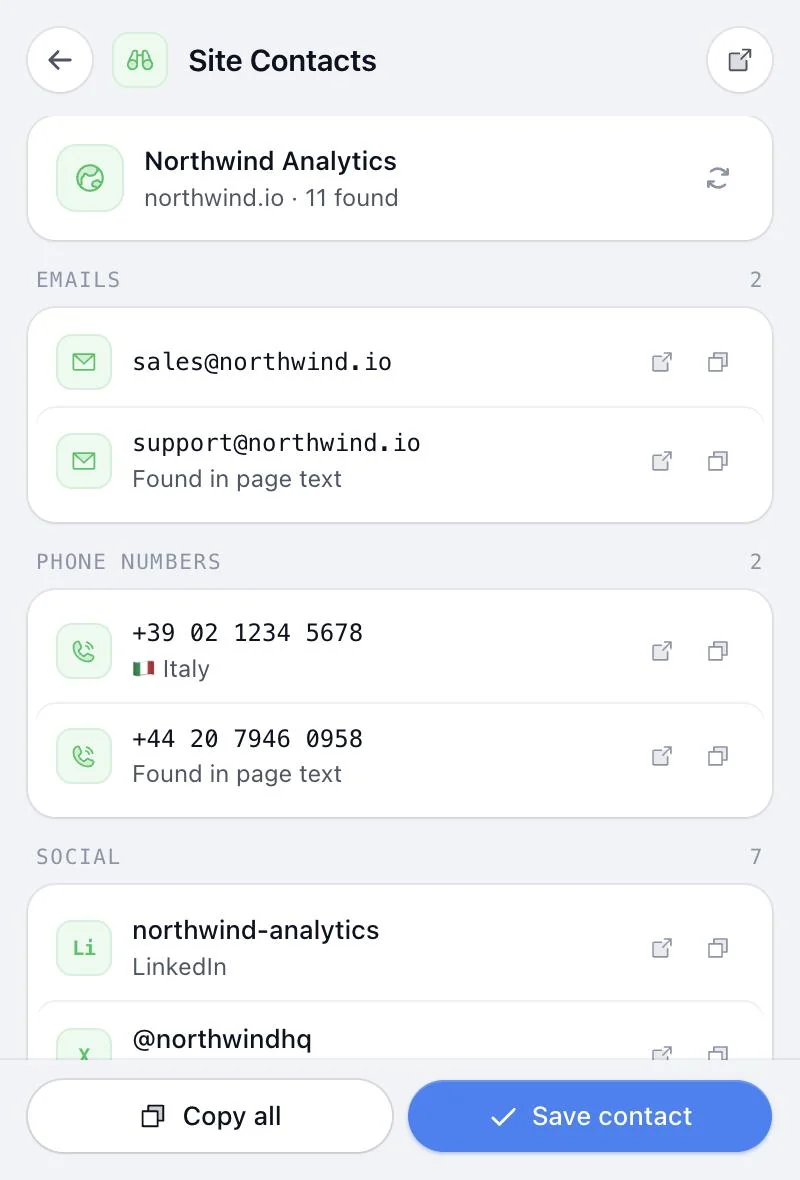
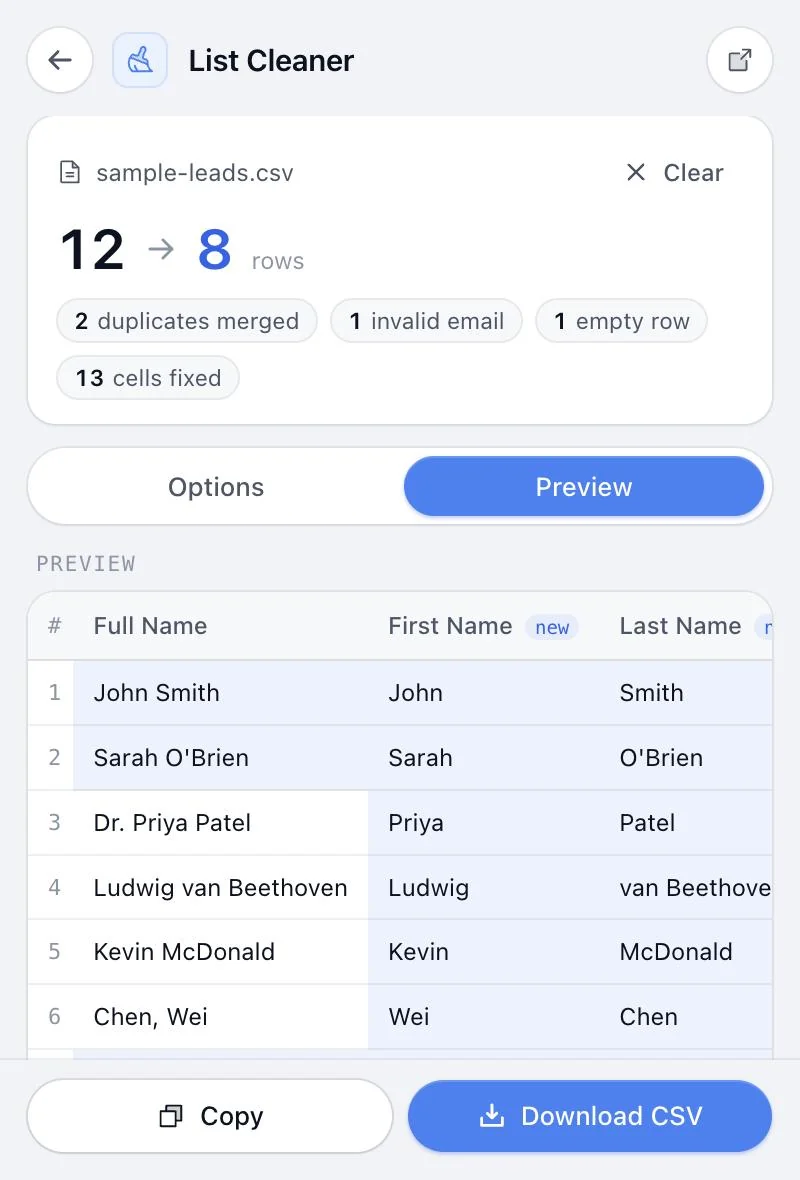
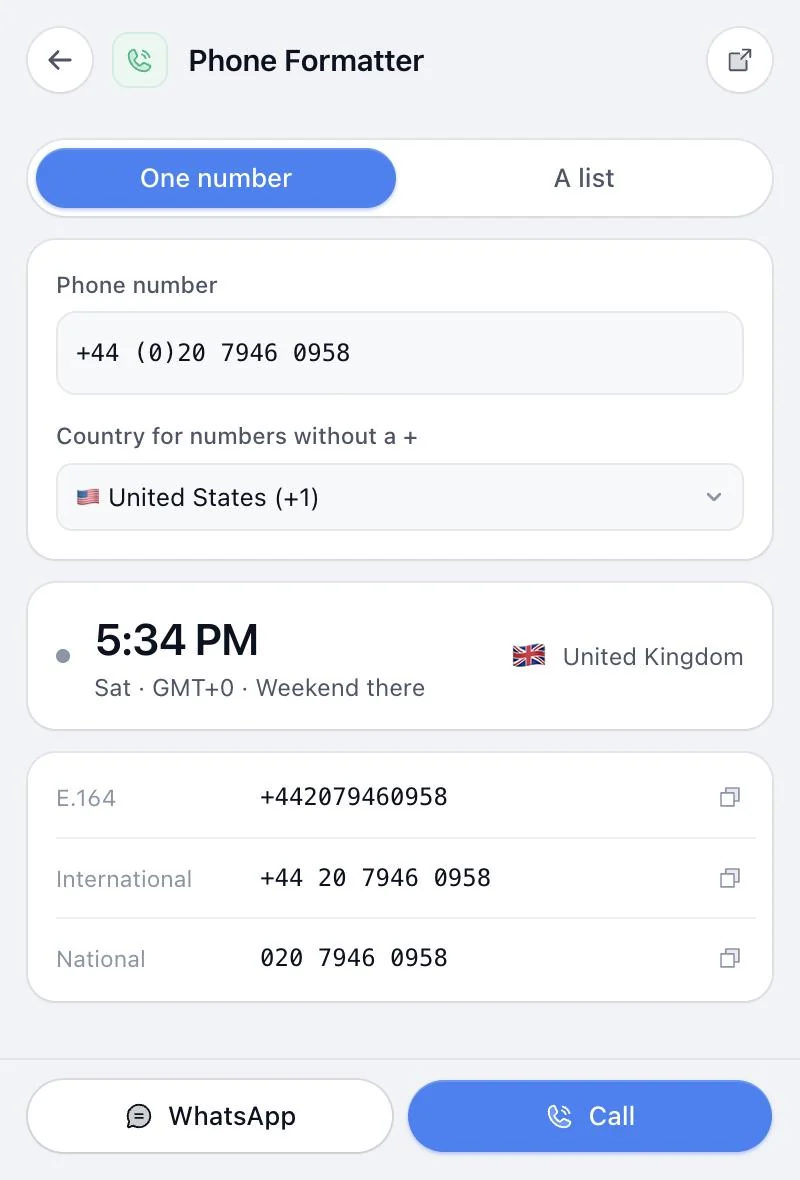
Same extension, same price. These pair naturally with Contact Capture.
Something else? or email us.
Not for pasted text: the quick read works without one. Reading business-card photos and very messy text uses your own AI key from Anthropic, OpenAI, Google or DeepSeek, and needs you signed in.
A .vcf contact file that phones, Outlook, Apple Contacts and Google Contacts can open. Tap it and the contact is added with every field filled in.
Any CRM that imports CSV files, including HubSpot, Salesforce, Pipedrive and Zoho. Columns are labelled so you can map them in a click.
The photo is sent once to the AI provider you chose, with your key, to read the text. It isn’t stored on our servers.
No. Contact Capture comes with all 14 tools in Sales Util, for one payment of $29 (the launch price until December 5, then $49). No subscription, and a 14-day refund if it isn’t for you.
Chrome and other Chromium browsers: Edge, Brave, Arc, Opera and Vivaldi. One license covers up to 3 browsers. Firefox and Safari aren’t supported yet.
Every tool in Sales Util, every update, in your browser for good. No subscription.
One-time payment. Goes up to $49 after December 5 (… left).
Get Sales Util14-day refund, no questions asked
Prices in USD. Taxes may apply.
Already bought? Add it to Chrome