Starter library included
Cold intro, follow-up after a call, no reply bump, breakup email, meeting confirmation, referral ask and a LinkedIn connection note.
Keep your best emails in one place with fields like {first_name} and {company}. Pick a template, type the name, and copy a finished message with your own details already filled in.
Cold intro, follow-up after a call, no reply bump, breakup email, meeting confirmation, referral ask and a LinkedIn connection note.
Use {first_name}, {company} or any field you invent. The tool asks for each one, so nothing ships with a blank.
{my_name}, {my_company} and other profile fields fill themselves in from your settings.
Edit, duplicate, delete and search templates. Leave the subject empty for LinkedIn or text messages.
Search your library or start from one of the built-in templates.
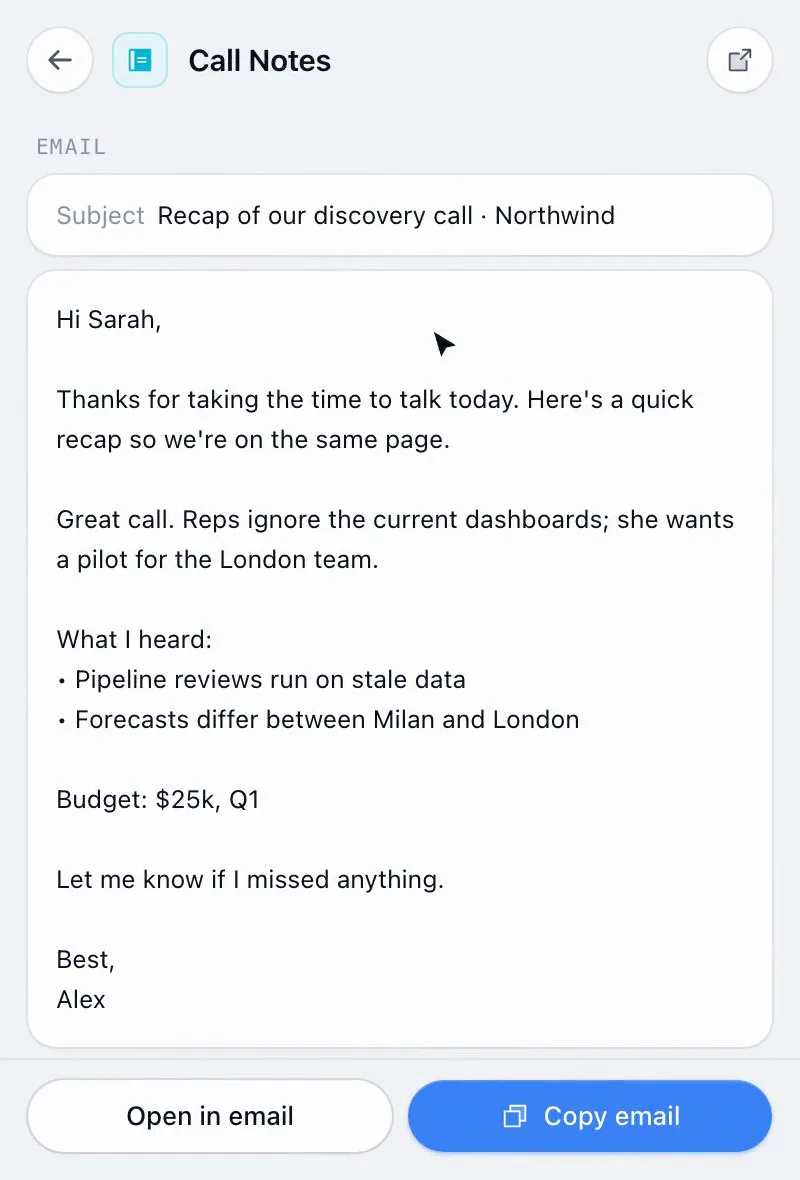
Type the prospect’s name and anything else the template needs. The preview updates as you type.
Copy the subject and message, or open it straight in your email app.
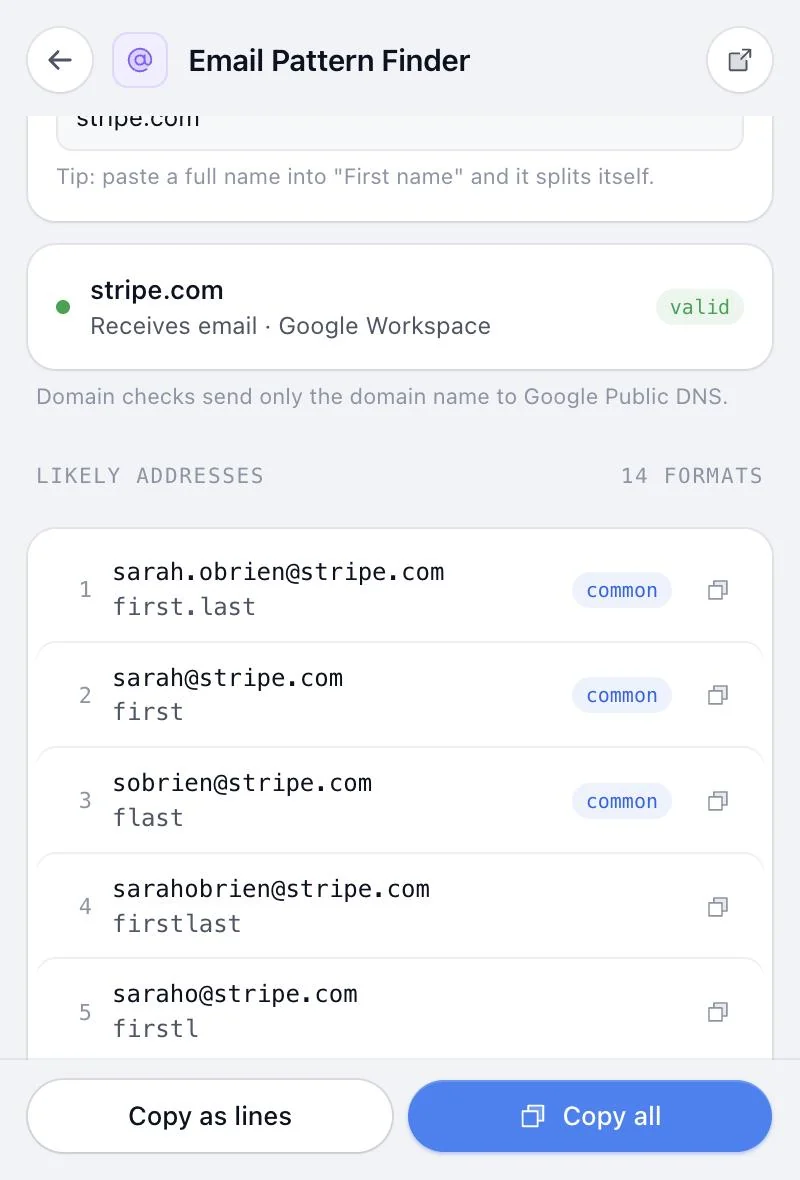
Personal emails at volume, without a sequencer, and without the {first_name} mistakes.
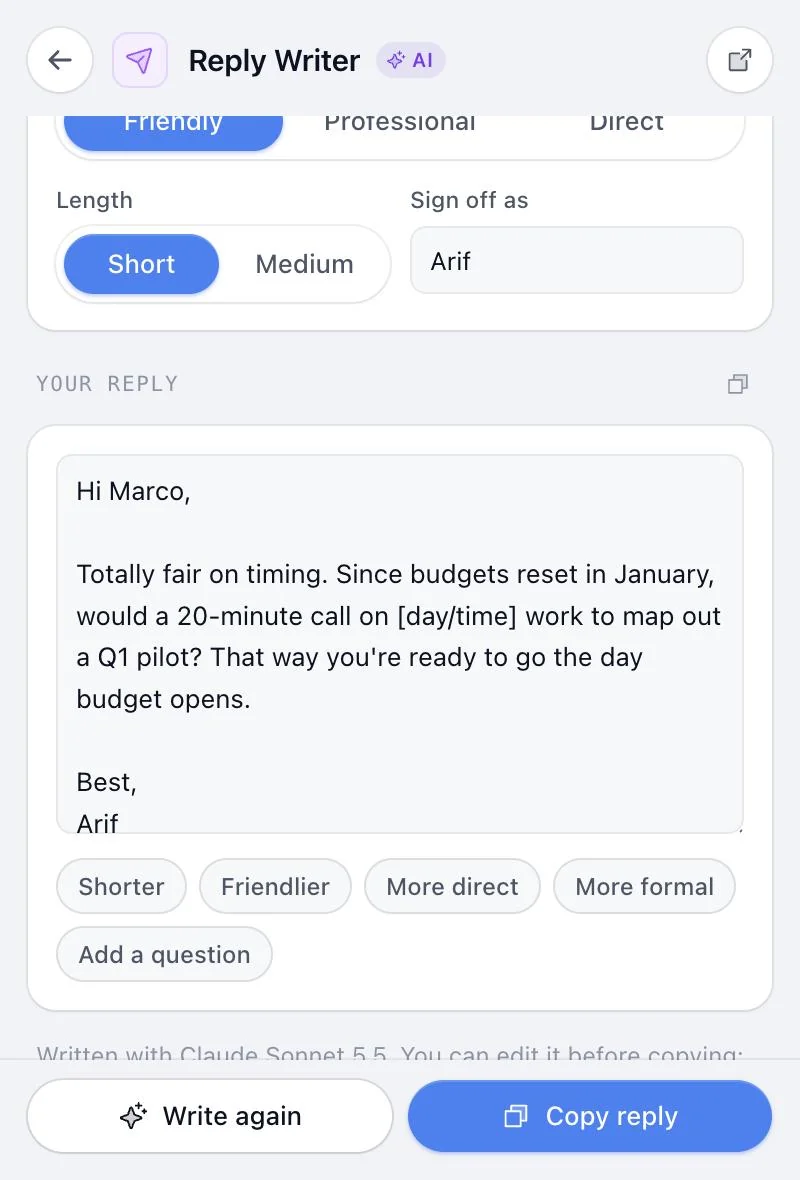
Start from proven structures for follow-ups and breakup emails instead of a blank page.
Keep short connection notes and DMs as templates with no subject line.
Same extension, same price. These pair naturally with Message Templates.
Something else? or email us.
Cold intro, follow-up after a call, no reply bump, breakup email, meeting confirmation, referral ask and a LinkedIn connection note. Edit them or add your own.
Yes. Type any field in curly braces, like {pain_point} or {event}, and the tool asks for it when you use the template.
No. It fills in the message and copies it, or opens it in your email app, so you send it yourself from your normal inbox.
Yes, in the extension, and synced to your account when you’re signed in so they follow you to any browser.
No. Message Templates comes with all 14 tools in Sales Util, for one payment of $29 (the launch price until December 5, then $49). No subscription, and a 14-day refund if it isn’t for you.
Chrome and other Chromium browsers: Edge, Brave, Arc, Opera and Vivaldi. One license covers up to 3 browsers. Firefox and Safari aren’t supported yet.
Every tool in Sales Util, every update, in your browser for good. No subscription.
One-time payment. Goes up to $49 after December 5 (… left).
Get Sales Util14-day refund, no questions asked
Prices in USD. Taxes may apply.
Already bought? Add it to Chrome