One grid, every zone
Your hours and each prospect’s, hour by hour, with work hours, early or late hours and outside hours shaded differently.
Add the cities of the people on the call. See everyone’s work hours on one grid, spot the hours you all share, and copy a list of proposed times written in their time zone.
Your hours and each prospect’s, hour by hour, with work hours, early or late hours and outside hours shaded differently.
An overlap row shows when everyone is free, and how many hours you share.
Copy a short message with three slots on the coming days, written in their time zone so they don’t have to convert.
Set when your day starts and ends and pick the date. Weekends and days without overlap are handled.
Type a name and city, like “Sarah, London”. Add as many as you need.
The grid shows everyone’s hours and highlights the times you all share.
Paste the ready-made “Would one of these work?” message into your email.
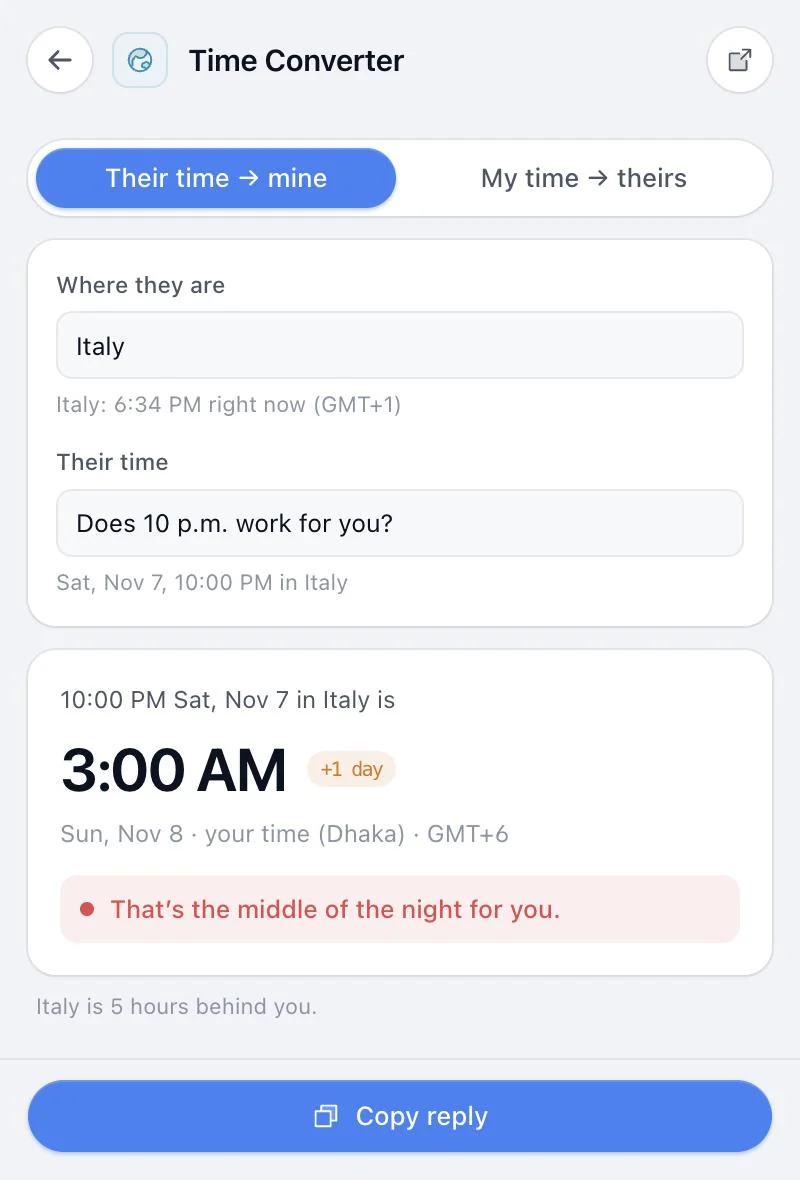
A champion in London, a CFO in New York and you in Singapore. Find the one hour that works.
Send three good options in the first email instead of “when works for you?”.
Plan internal deal reviews across offices without a scheduling tool.
From our own short-video series. Sound on.
Same extension, same price. These pair naturally with Call Time Planner.
Something else? or email us.
It’s built for proposing call times: it highlights shared work hours and writes the “would one of these work?” message for you, in their time zone. And it sits in your browser toolbar with 13 other sales tools.
No. It doesn’t read or write your calendar. It works out good windows and gives you text to paste.
It tells you, and proposes times that suit them even though they fall outside your hours.
Yes. The people you add stay in the planner and sync to your account when you’re signed in.
No. Call Time Planner comes with all 14 tools in Sales Util, for one payment of $29 (the launch price until December 5, then $49). No subscription, and a 14-day refund if it isn’t for you.
Chrome and other Chromium browsers: Edge, Brave, Arc, Opera and Vivaldi. One license covers up to 3 browsers. Firefox and Safari aren’t supported yet.
Every tool in Sales Util, every update, in your browser for good. No subscription.
One-time payment. Goes up to $49 after December 5 (… left).
Get Sales Util14-day refund, no questions asked
Prices in USD. Taxes may apply.
Already bought? Add it to Chrome